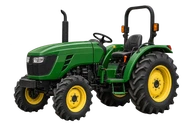
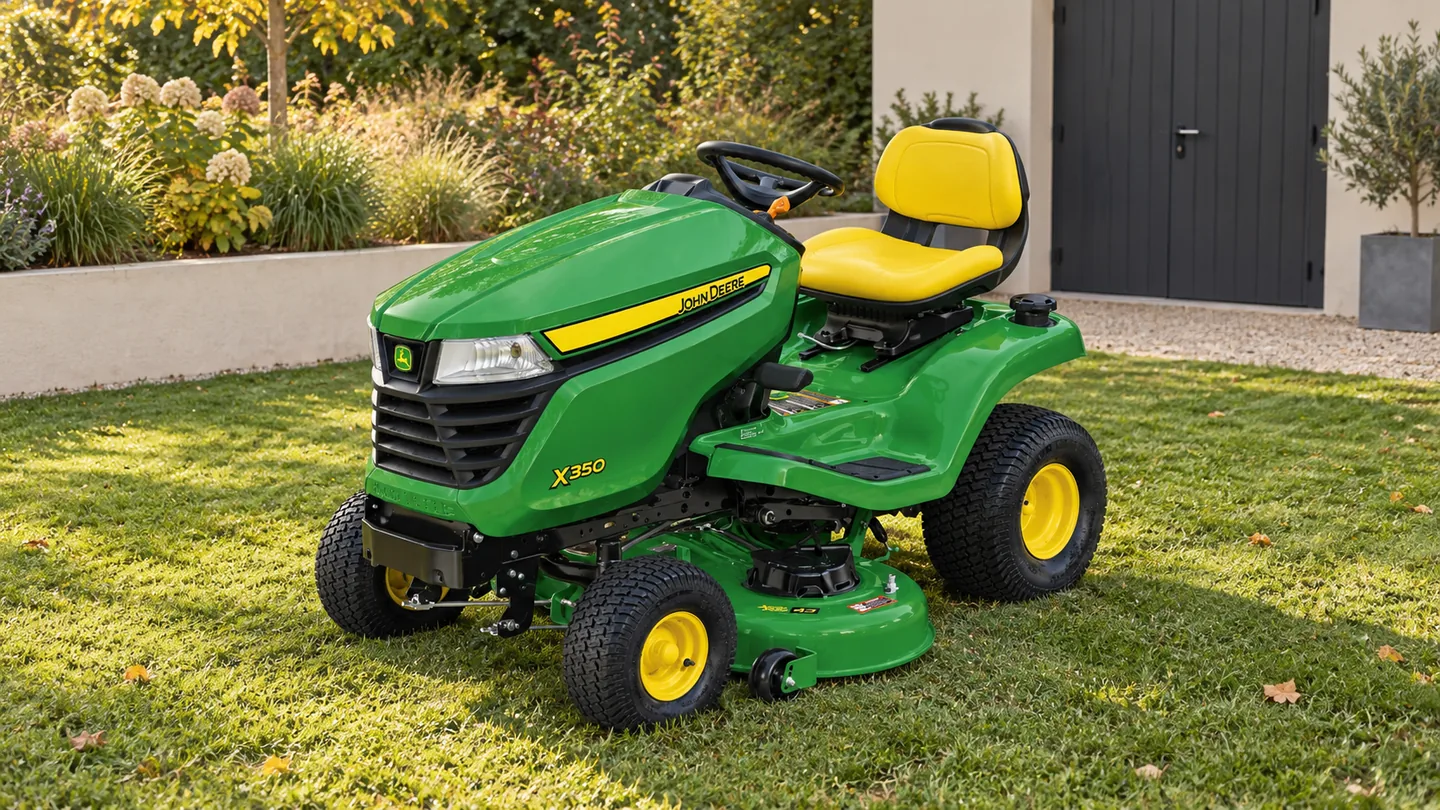
Use these guides to move from a job description to a specific equipment package. Keep three decisions separate: which type of machine does the work, which configuration is being offered, and what the seller actually includes. A useful comparison records those differences instead of relying on one headline price or a model badge.
Start with the equipment paths below, then put each seller’s answers on the same checklist. Verify the exact package and current availability with the seller; these guides do not rank machines or track dealer inventory.
Start with the job
| Main question | Research path | Write down first |
|---|---|---|
| Which mower format should I compare? | John Deere mower guides | Yard layout, obstacles, access and storage dimensions, and the work beyond mowing. |
| What do I need for material handling? | John Deere loader guides | Host machine, materials, attachment and the conditions under which the work will be done. |
| Can an implement add the required job? | John Deere attachment guides | Exact machine and implement identifiers, the interface and the requirements to verify. |
| Which tractor class should I investigate? | Regular jobs, implements, access, storage, transport and local service questions. |
Describe the complete package
Make a short requirements sheet before requesting an offer. List the regular jobs and the equipment needed for each one. Record physical constraints such as gates, work areas, storage and transport. Mark the items still requiring confirmation instead of guessing a capacity or fit.
Then ask the seller to identify the offered machine and every included major attachment. A tractor, loader and implement each need the appropriate documentation. Confirm the proposed combination rather than assuming that sharing a brand name establishes compatibility.
Compare offers on the same basis
Put each seller’s answer in the same row of a comparison sheet. “Included,” “not included” and “not confirmed” are different answers. A blank row should stay an open question rather than silently becoming a zero-cost item.
| Compare | Ask the seller to identify |
|---|---|
| Machine | Exact model, relevant model year or build details, and identification available for the offered unit. |
| Configuration | Installed options and the exact loader, deck or implement included. |
| Fit confirmation | The documentation or equipment-specific confirmation for the proposed combination. |
| Condition | New or used condition, recorded hours where applicable, known faults and available service history. |
| Supply and preparation | What setup, missing components, assembly or other preparation the offer includes. |
| Delivery | Delivery or collection arrangements, any stated charge and the responsibilities at handover. |
| Written terms | The itemized quote, its validity period, applicable seller terms and any unresolved conditions. |
| Support | Who to contact for parts, warranty questions or service, and what must be confirmed directly. |
Compare the stated package rather than filling gaps with an advertised promotion from another page. Keep the dated offer and supporting confirmations together. This sheet organizes seller information; it does not establish the condition or suitability of the equipment.
Check what two equipment offers actually include
Compare the descriptions before comparing prices. Copy short, non-sensitive model and scope descriptions from two offers. The checker highlights blanks, exclusions and wording differences; it does not choose a seller or judge whether the equipment is suitable.
Matching words do not prove matching machines. Do not enter names, contact details, PINs, serial numbers, prices or payment information. This is not a valuation or finance calculator.
Use the exact model identifiers and keep quantities and units. Blank or “Not specified” stays unresolved. For excluded work, record “Not included” rather than guessing its cost.
Only case and extra spaces are ignored. Different punctuation, identifiers, quantities or units remain different wording. No unit conversion or technical equivalence is inferred. This worksheet does not send or save entries.
How to read the result
- Information missing: at least one side is unspecified, or a stated description is blank.
- Different scope: one side includes a description while the other excludes the item.
- Different wording: ask whether the model, configuration, quantity or terms really differ.
- Matching wording only: verify the documents and actual equipment; this is not a fit confirmation.
- Both exclude: the item is outside both descriptions, not automatically unnecessary.
Worked example: a loader package is not a machine-only offer
Suppose Offer A names a loader and bucket, while Offer B excludes the loader. The checker marks different scope and asks for clarification. It does not declare the lower-priced or more detailed offer better.
If both descriptions name the same tractor but different decks or mounting interfaces, the difference remains visible. Use and the exact documentation for a real fit check.
This is an illustrative comparison, not a real seller quote. Do not treat typing a component name as proof that it fits.
Equipment & supplies
Inspection tools for Equipment Buying Guides
Record dimensions, visible condition and identification numbers before comparing the complete equipment offer.

Komelon Self Lock tape measure
Record accessible ground-level dimensions for an equipment and site discussion with a dealer or rental provider.

Ullman HTC-2 inspection mirror
Read an accessible identification plate from another angle when collecting details for the matching manual.

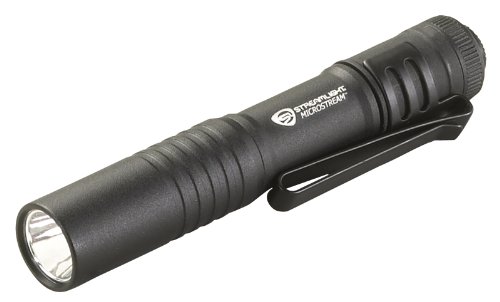
Streamlight MicroStream pocket light
Read accessible identification and warning labels after following the machine's shutdown instructions.


As an Amazon Associate I earn from qualifying purchases.
Add a condition check for used equipment
Separate the asking price from the evidence about the machine. Request the identifiers, recorded operating hours, available service history, known repairs and an exact list of included attachments. Ask which photographs and inspection information describe the actual unit offered.
Record unresolved condition questions before arranging a purchase. Where condition or compatibility cannot be established, arrange a qualified inspection or obtain the required confirmation. A checklist is not a substitute for inspecting a machine, and an unknown history should remain labeled unknown.
Prepare for handover
Confirm that the delivered or collected machine matches the agreed model, configuration and included items. Keep the seller’s paperwork, identification record, manuals and service documents together. Resolve missing or substituted equipment with the seller rather than treating it as equivalent without checking.
For documentation, start with . For dealer contact, use the and confirm services, equipment availability and arrangements with the chosen location.
Plan the ownership work
After selecting the equipment, use John Deere parts and maintenance guides to organize identifiers, locate the appropriate parts reference and prepare maintenance questions. A purchase comparison and a maintenance plan serve different purposes; keep both records with the machine.
Use the broader John Deere guides index when you need another research path. Check the exact model and configuration whenever moving from a general guide to a model-specific procedure.