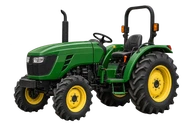
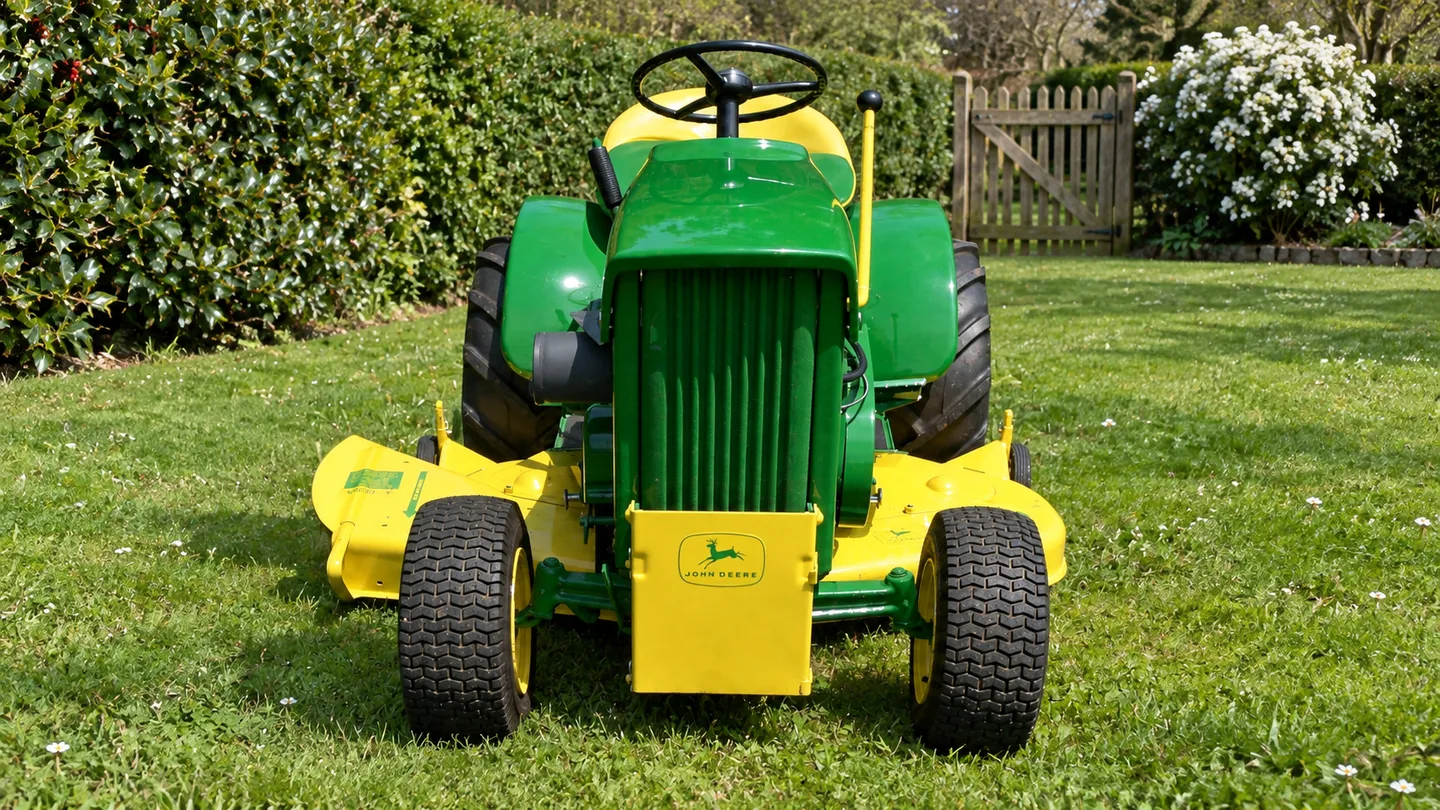
This guide covers the John Deere 112 garden tractor. Before comparing a used machine or ordering parts, identify the exact tractor and the equipment fitted to it. A model name or a horsepower figure in a listing is not a substitute for the tractor’s identification record and the engine’s own data plate.
Equipment & supplies
Identification tools for 112 Garden Tractor
Read the machine and component markings before ordering. These inspection tools do not establish part fit.

Ullman HTC-2 inspection mirror
Read an accessible identification plate from another angle when collecting details for the matching manual.

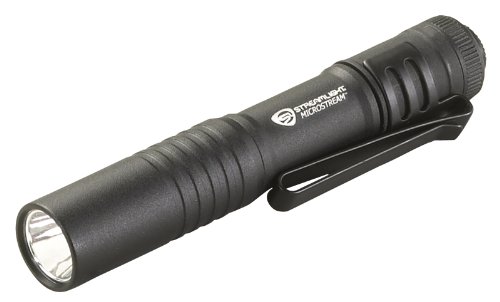
Streamlight MicroStream pocket light
Read accessible identification and warning labels after following the machine's shutdown instructions.

As an Amazon Associate I earn from qualifying purchases.
Records to collect
- Tractor: photograph the product identification and serial information. Match the manual and parts catalog to that record.
- Engine: record the installed engine make, model and serial. A tractor may have been repaired or repowered during its life.
- Mower deck: capture the deck’s model and part identifiers separately from the tractor ID.
- Attachments: note the implement and mounting-part numbers. A shared tractor family name does not prove that a particular mount or drive part fits.
John Deere’s supports lookup by model or serial number. Use the serial-specific record when available, then confirm any replacement part or attachment with the appropriate catalog or a Deere dealer.
What to check on a used 112
Ask for service history and note any engine or deck replacement. With the tractor parked safely, look for visible damage, leaks, missing guards, loose wiring and mismatched attachment hardware. If the seller demonstrates it, observe starting, steering, braking and drive operation from the operator’s seat and follow the manual. Keep clear of hot or moving components. A short inspection can flag questions; it cannot establish internal condition.
Manuals, parts and related models
Start at for operator and technical publications. Use the for parts and attachments. Browse the vintage John Deere lawn and garden tractor guide.